for the layer.
You can save a layer for later use and customizing.
To save a layer:
1. Click for the layer.
2. Click  (Save Layer).
3. Type in a Name and Description for the layer.
4. Click Save.
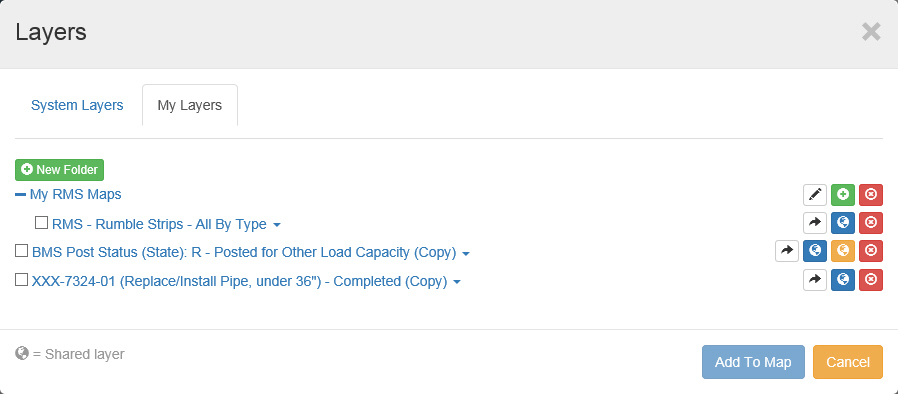
The layer will now appear under the "My Layers" tab of the Layers window.
Tip: You can use the Folder controls in the My Layers tab to organize your Layers. Click here for more information.