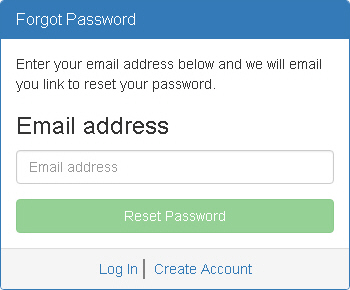
The Forgot Password window appears when you click Forgot Password on the Login window. Use this window to request a password reset.
Email Address - Type the email address associated with your account.
Reset Password - Click this button to send a password reset request. A link will be emailed to the address associated with your account.
Log In - Click this link to access the Login window.
Create Account - Click this link to access the Create Account window, where you can create a new PDAuth account.