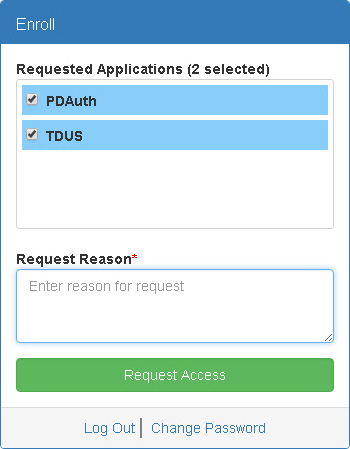
The Enroll window appears when you click Enroll on the PDAuth Menu Bar. Use this window to request access to applications.
Requested Applications - Displays a list of applications you do not have access to. Select checkboxes for any applications you want to request access for.
Request Reason - Type the reason you want access to the selected applications.
Request Access - Click this button to request access to the selected applications.
Log Out - Click this button to log out of PDAuth. You will not be able to access associated applications until you log in again.
Change Password - Click this link to access the Change Password window.