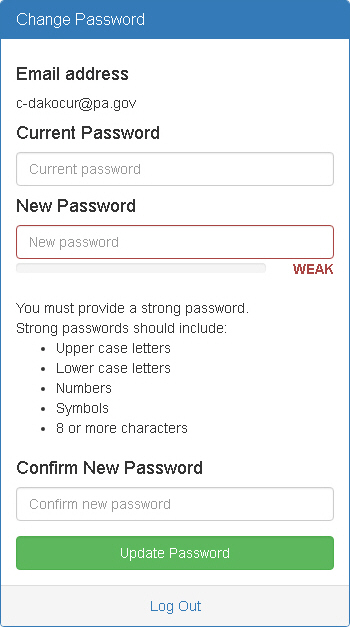
The Change Password window appears when you click Change Password on the Login window. Use this window to change your password.
Email Address - Displays the email address associated with your account.
Current Password - Enter your current password.
New Password - Enter you new password. Guidelines for passwords appear in the window.
Confirm New Password - Type you new password again to confirm it is entered correctly.
Update Password - Click this button to change your password to the new one you provided.
Log Out - Click this button to log out of PDAuth. You will not be able to access associated applications until you log in again.