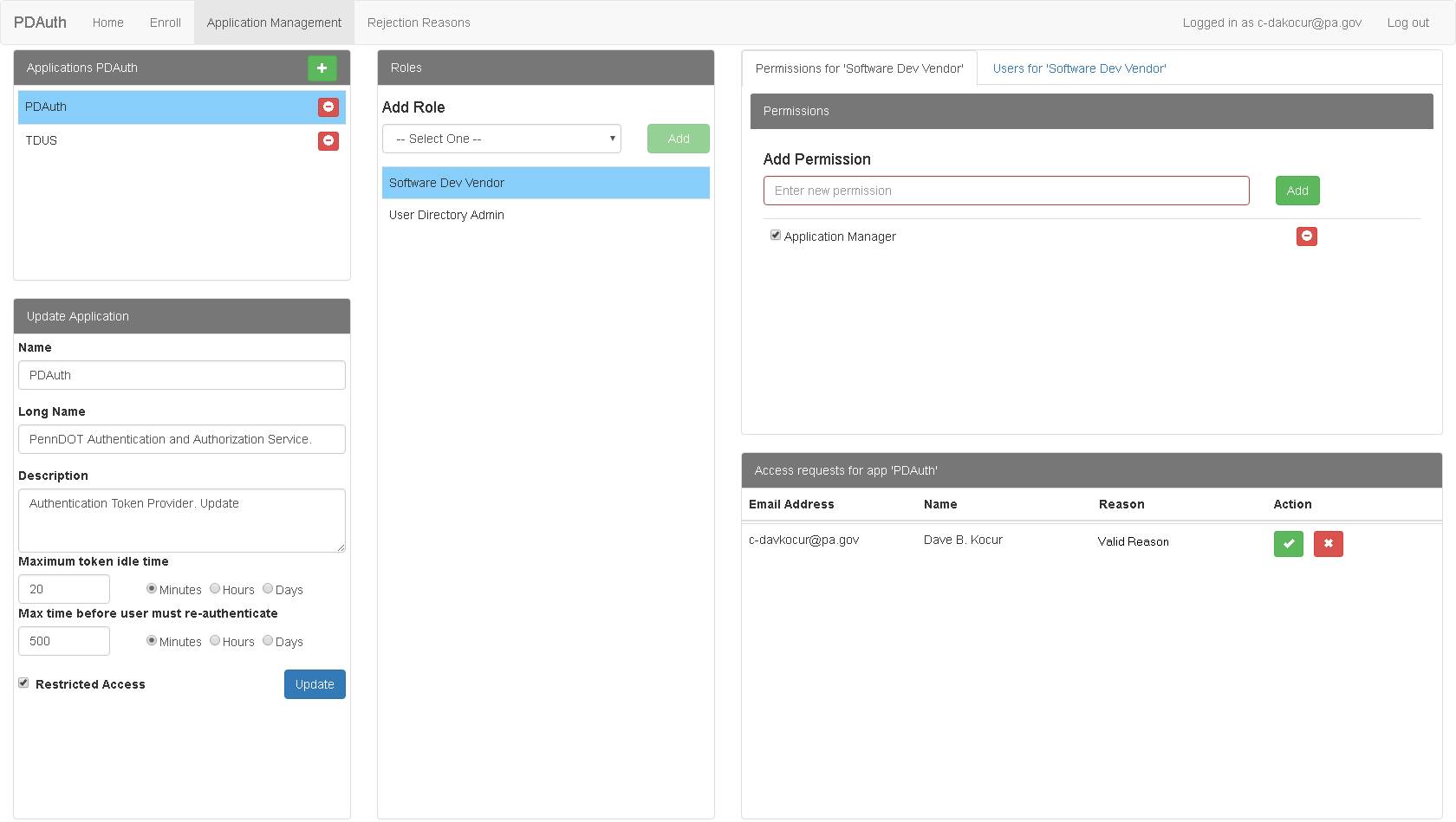
Use the following procedure to modify the properties of an application:
1. Click Application Management in
the PDAuth Menu Bar.
The Application
Management Page appears.
2. Select an
application from the Applications
list.
Properties for the selected application appear in the Update Application
area.
3. Change the fields as desired.
4. Click Update to save the changes.