You can display the location on the map as either Degrees or DMS (Degrees, Minutes, Seconds).
1. Click the Tools button and select Measurement.
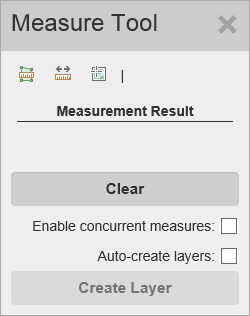
The Measurement Tools window appears.
2. Click the  (Location) button.
3. From here, you can perform the following actions:
· Click the Lat/Long format next to the buttons to display a drop down list of formats, then select the one you want.
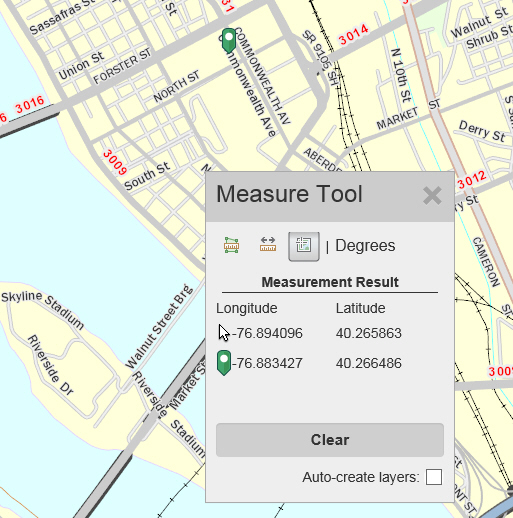
· As you move the mouse around the map, the Longitude and Latitude of the mouse’s location are displayed in the Measurement Result section next to the image of the mouse pointer  .
.
· Select the Auto-create layers checkbox to automatically add locations (green markers) you create to a drawing layer.
· Click on the map to select a point. A green marker  is placed where you clicked on the map. The Longitude and Latitude of the marked location are displayed in the Measurement Result section next to the green marker.