You can delete a layer that you have customized and saved.
To delete a layer:
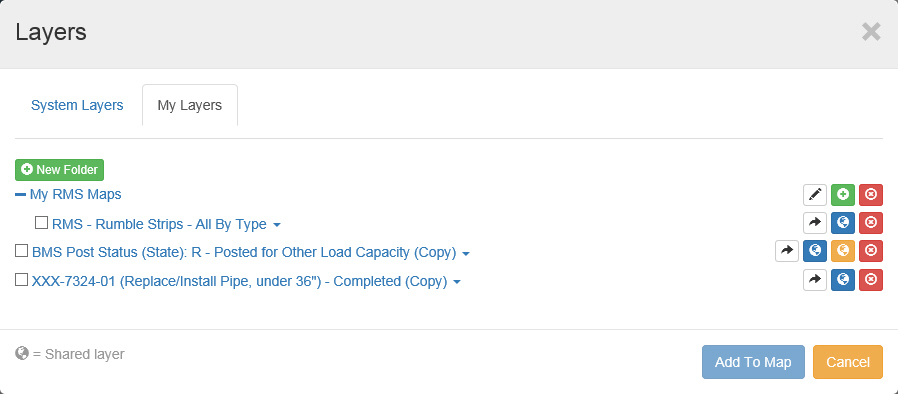
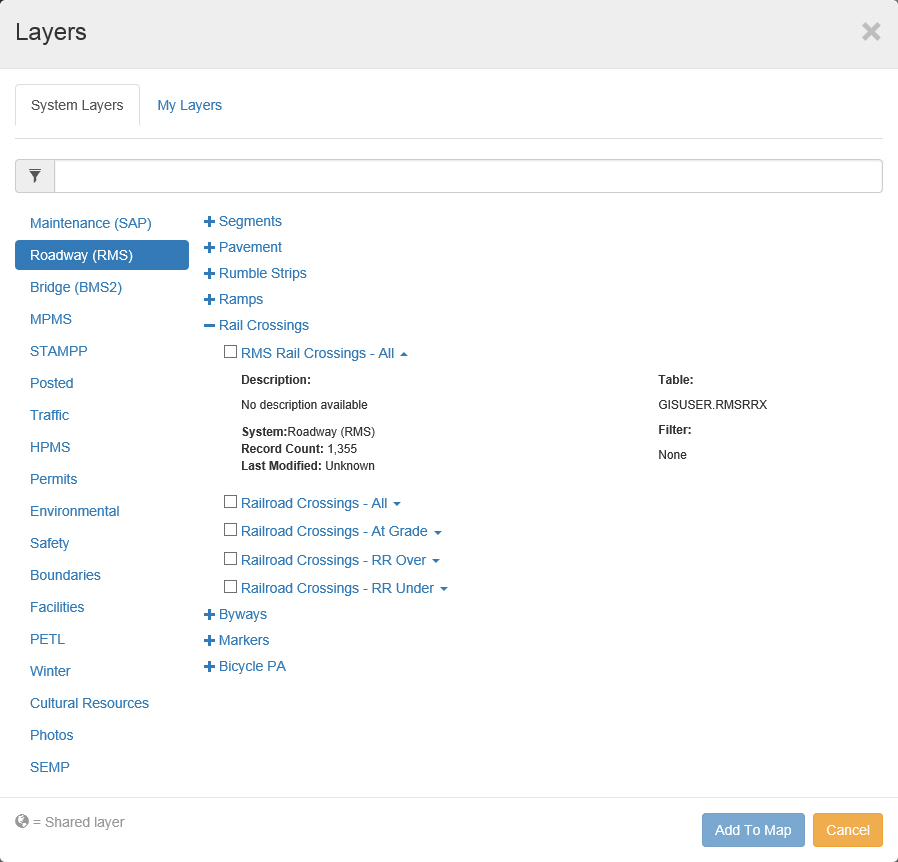
1. Click the Layers button.
The Layers pop up window appears.
2. Click My Layers tab.
The My Layers tab appears.
3. Click  (Delete Layer) for the desired map.
Note: Only maps appearing in the "My Layers" tab may be deleted.